
Understanding Hong Kong’s Font Challenges
Hong Kong websites face a unique challenge that most Western designers never consider. You’re not just picking a font — you’re picking two. Traditional Chinese characters and Latin letters behave differently, have different spacing requirements, and render differently across browsers. This isn’t a minor detail. It’s the foundation of your entire design.
The thing is, many designers still treat bilingual typography as an afterthought. They’ll choose a beautiful English typeface, then slap on whatever Chinese font feels close enough. The result? Disjointed, unprofessional websites that look like they were designed by different people. We’re going to show you how to avoid that.
Most Hong Kong users browse on multiple devices throughout their day — desktop at work, tablet at lunch, mobile on the train home. Your fonts need to work everywhere, at every size. That’s where browser testing becomes essential. You can’t just assume it’ll work.
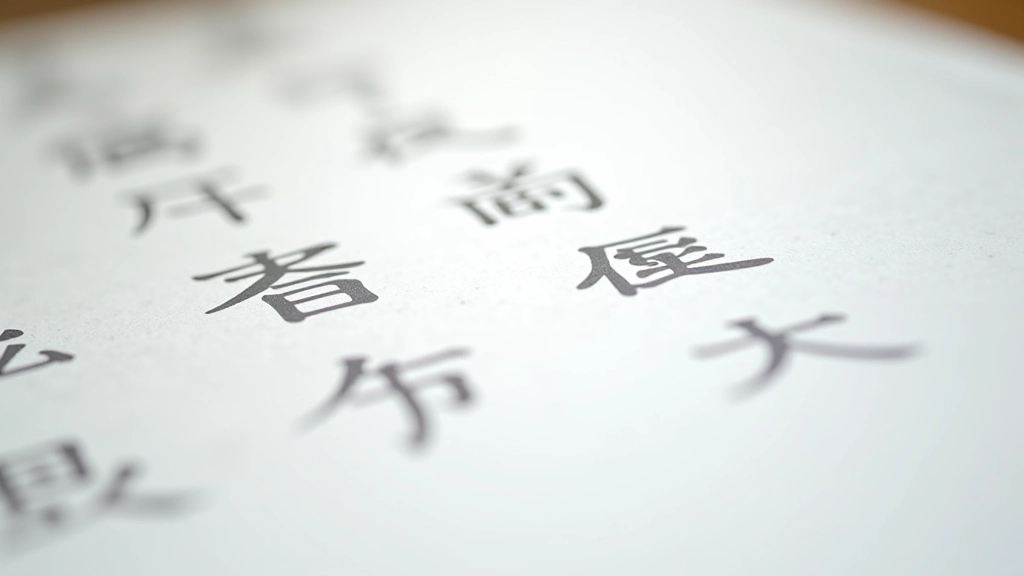
Popular Chinese Web Fonts for Hong Kong
You’ve probably seen these names around: Noto Sans CJK, Source Han Sans, and HKGrotesk. They’re popular for a reason. Noto Sans CJK comes in 7 weights and handles both Simplified and Traditional Chinese beautifully. It’s a solid default choice if you’re unsure.
Source Han Sans is Adobe’s answer to the problem. Seven weights, excellent letterforms, and it pairs remarkably well with modern Latin typefaces. HKGrotesk was literally designed in Hong Kong for Hong Kong websites. It’s more personality-driven than Noto or Source Han, which matters if you’re building something with character.
Then there’s the free option: Google Fonts added several solid Chinese typefaces. Noto Sans SC and Noto Serif SC are accessible without licensing costs. Not everyone needs premium fonts, and that’s fine — what matters is intentional pairing.
Quick tip: Most Chinese web fonts come in fewer weights than their Latin counterparts. Plan your weight hierarchy accordingly — you won’t always have a 300 or 900 weight available.
Technical Note
This article provides informational guidance on font selection and browser testing practices. Font rendering behavior varies based on operating system, browser version, and device specifications. We recommend testing across your actual target audience’s devices rather than relying solely on emulation tools. Font performance, file sizes, and loading speeds should be measured in your specific implementation environment.
Pairing Chinese Fonts with Latin Typefaces
This is where the real skill shows up. Pairing fonts isn’t about matching personalities — it’s about proportions. Chinese characters are typically square-shaped and denser than Latin letters. Your Latin font needs to have enough weight and character width to visually balance the Chinese text.
Helvetica Neue with Source Han Sans? No. They fight each other. The proportions are too different. Try Inter with Noto Sans CJK instead. Inter has a modern, spacious feel that doesn’t get overwhelmed by the density of Chinese characters. You’ll notice the pairing feels cohesive rather than cobbled together.
Font weight matters enormously. If your Chinese text is set at weight 400, don’t pair it with Latin text at weight 300. They’ll look unbalanced. A 500 weight Latin font often feels more visually equal to a 400 weight Chinese font. You need to actually test this on screen — theory breaks down fast.
Browser Testing Essentials
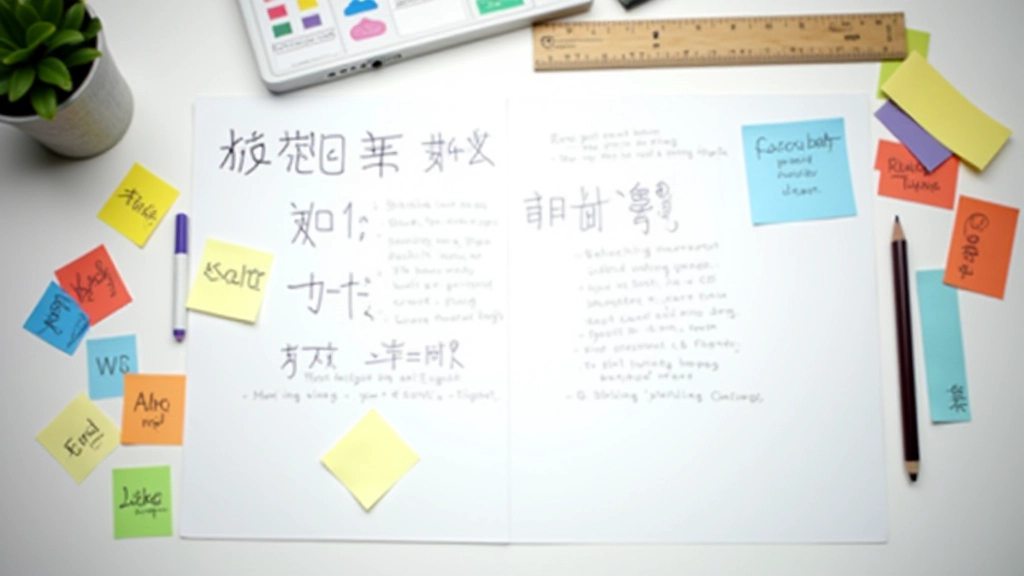
You need to test on actual browsers, not just screenshots. Here’s what we mean: font rendering on macOS Safari looks different from Windows Chrome. Seriously different. The anti-aliasing algorithm is different. ClearType on Windows produces heavier, slightly different rendering than macOS font smoothing. Mobile browsers (both iOS Safari and Android Chrome) have their own rendering engines that don’t match desktop versions.
Desktop Browsers First
Test Chrome, Firefox, Safari, and Edge on both Windows and macOS. Yes, that’s six combinations minimum. Set up a testing spreadsheet — screenshot each font pairing at sizes 16px, 18px, and 24px. Document which pairings look balanced and which feel off.
Mobile Testing on Real Devices
Don’t use Chrome DevTools emulation. Emulation lies. Grab an actual iPhone and an actual Android phone if possible. See how the fonts render at 375px width on iPhone and 412px on Android. The rendering is genuinely different, and it matters for how users perceive your typography.
Check Font File Sizes
Chinese fonts are heavy. A single font file can be 5-8 MB. That’ll destroy your page load speed. Most teams subset fonts by character range. You’ll load only the characters you actually use on that page. It’s technical, but it’s non-negotiable for performance.
The real game-changer? Variable fonts. Some Chinese typefaces now come as variable fonts where you can adjust weight on the fly. This reduces file size dramatically and gives you flexibility without loading multiple font files. It’s worth investigating whether your chosen font supports variable font technology.
Performance and Loading Strategy
Here’s what happens when you load fonts poorly: users see unstyled text for 2-3 seconds, then the font loads and text jumps around. It’s called FOUT (Flash of Unstyled Text), and it’s terrible for user experience. Modern browsers handle this better than they used to, but you still need a strategy.
The most practical approach: use font-display: swap in your @font-face rules. This tells the browser to show a system font immediately while your chosen font loads in the background. Once the font arrives, it swaps in seamlessly. It’s not perfect, but it’s miles better than showing blank space.
Consider preloading critical fonts. If your hero section uses a specific font combination, preload those fonts in the document head. This shaves off precious milliseconds. For Chinese fonts specifically, you’re often looking at 500KB+ per font file, so every millisecond counts.